Office Movers: How to Pack and Move Electronics
Posted on March 26, 2020
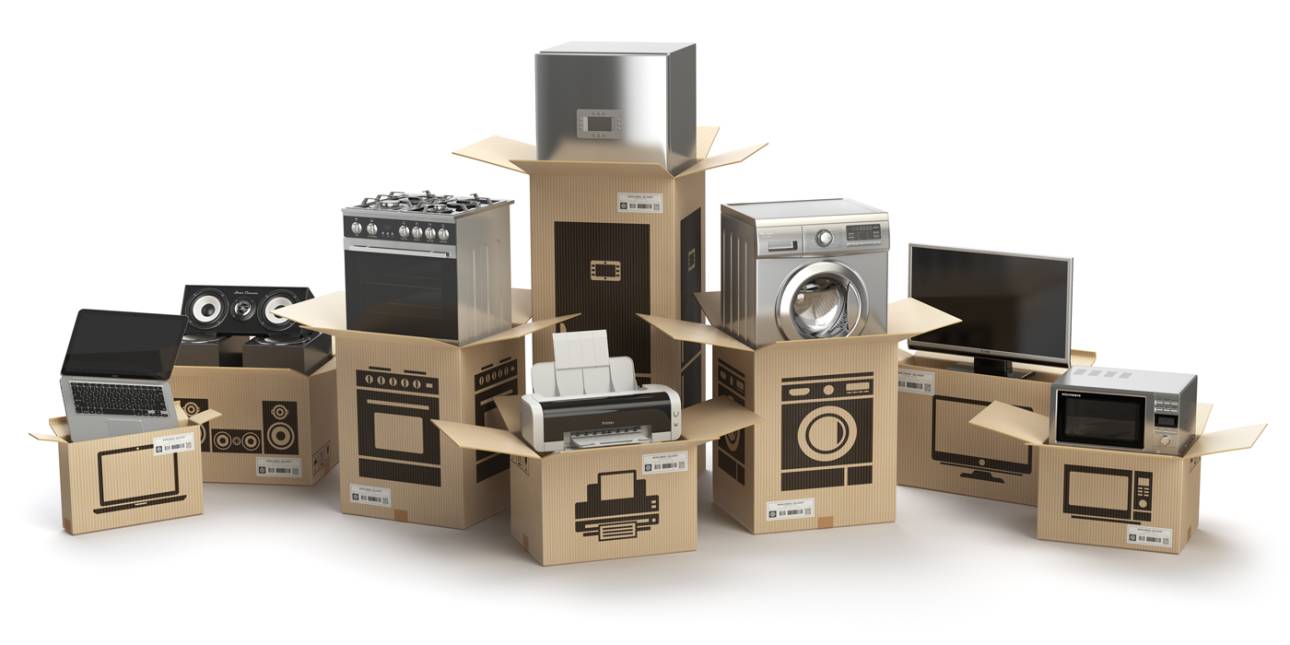
See how office movers can move your electronics with ease.
Whether it’s a workplace or residence, there may come a time when you have to move your computers, TVs, phones, appliances, and other electronic equipment to a new location. It's easy to become unravelled when thinking about how to pack your electronics for a move. Our office movers offer advice on how to keep cables and equipment organized and what you need to be careful about when packing and moving electronics.
Make a Moving Checklist of all Components
Like an Allen key needed to assemble specific furniture, electronics also come with individual components that allow them to function. When packing for a move, create an inventory spreadsheet of your electronic equipment as well as their accompanying components and then label them accordingly. One example is to use colour coded labels so that you can use the same colour for your computer monitor, mouse, keyboard, and cables.
Back up your Files
Most digital equipment stores information on a smart card or microchip that can be lost or damaged during a move. Before packing any computers, tablets, laptops, cameras, and other smart devices, it's essential to back up all your information and files by using a:
- Flash drive or external hard drive. Make sure to label and secure all USB sticks separately from your electronics
- Cloud storage services such as Dropbox or Google Drive to store files without a flash drive
- Network-attached storage — best if you're storing and moving sizeable office files
- Printer to keep paper copies of some of your essential files
Prevent Shaking, Rattling and Rolling
With all their parts and components, electronics can easily become damaged when dropped or jostled. When packing, make sure to remove all batteries and detach all wires and accessories. Use original packaging if possible or find moving boxes similar in size. Use packing materials such as bubble wrap, packing peanuts, and moving blankets for added protection and protect devices from moisture, dust, and heat.
Keep Your Cables from Tangling
While many of us work with wireless electronics, you still need to plug in appliances, computers, and chargers into an electricity source. One way to keep your cables, wires, and cords from tangling is to roll them up individually and then secure each one with a zip tie, elastic band, or binder clip. Keep them organized by labelling each cord according to the electronic it belongs to and place all cables and their corresponding wall chargers into a Ziploc bag.
Stay Grounded by Hiring Professional Commercial and House Movers
Leave your packing and moving to the professionals by hiring accredited movers. Kelowna moving companies, such as Bighorn Kelowna, have the expertise and equipment to pack and move electronic equipment the right way. See for yourself by reading how our Commercial Movers Helped the Kelowna RCMP Move into Their New Detachment.
Your one-stop moving shop, Bighorn Kelowna provides residential and commercial local and long-distance moving, packing, and storage services throughout the Okanagan, BC, Canada, and beyond. Contact us for a free in-home or at-work estimate.